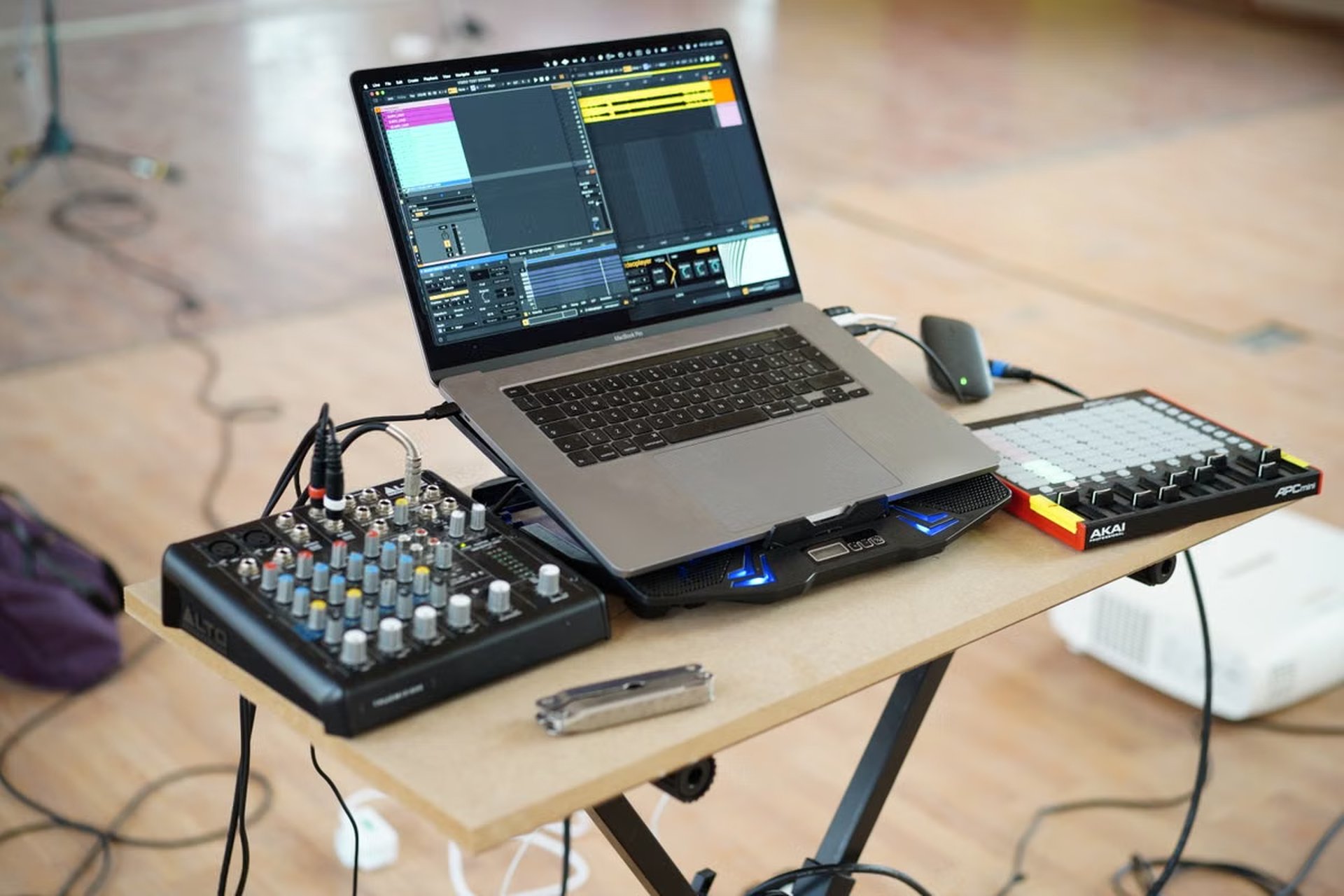
This checklist helps independent musicians, developers, and small audio teams decide whether an ACE-Step 1.5 cloud deployment is ready for their workflow. It separates installation, a successful generation, and repeatable operation, then walks through model loading, file export, environment records, and next steps.
FFprobe can expose an audio file’s container, stream codec, duration, sample rate, and channel layout in its output, so an export can be checked as a file rather than judged only by pressing play (FFprobe documentation). For ACE-Step 1.5 cloud deployment, verify the documented installation path, model loading, a complete generation, and the exported file before deciding whether to keep using the environment. A successful launch alone does not establish production readiness.
This checklist is for independent musicians validating a daily creation workflow.
It is also for developers checking dependencies, processes, and API behavior.
Small audio teams can use it to identify deployment risks before expanding use.
Define what a pass means before you start
Treat deployment verification as three separate acceptance goals. Keeping them separate prevents a green launch message from being mistaken for a working audio pipeline.
- Installation accepted: the cloud environment follows an installation method documented by the ACE-Step 1.5 project, and its dependencies and startup process do not show unresolved blockers.
- Generation accepted: the model loads, accepts an input, completes a generation, and produces an audio file that can be opened and inspected.
- Repeatability accepted: the team can run its intended workflow again, save and retrieve results, and explain any failures, delays, retries, or manual fixes.
A pass at an earlier stage does not imply a pass at the next one. Installation may complete while model files are still missing. A single generation may succeed even though the next run fails after a restart or a change in the environment.
What evidence confirms that the model loaded? Look for the model-loading completion or ready state described by the project’s current startup flow, then confirm that a generation request can use the loaded model. A process that remains alive is not enough evidence on its own: record the relevant log lines, note any download or dependency warnings, and test the actual interface you plan to use. Use the official installation instructions as the reference for the documented install and run path; do not fill gaps with assumptions about hardware or cloud compatibility.
Before testing, write down the exact project version or revision, the installation route, the startup method, and the interface under test. If the official instructions change, check that the steps still match the version you installed. This record makes it possible to distinguish a project change from a change in your own cloud image, environment variables, storage, or launch procedure.
A deployment is not “ready” just because the web interface opens. Keep the evidence for installation, model readiness, generation, and file export separate.
Record the cloud environment and its boundaries
Before installing or launching ACE-Step 1.5, create a small environment record. Its purpose is not to declare that a particular machine size is required. It is to make the results interpretable and reproducible.
Record the cloud instance identifier or description available to you, the operating system and image, the storage location used for model files and outputs, the network conditions relevant to downloading dependencies or models, and the access method used to manage the instance. Include the deployment date and project revision in your own notes. These are observations about your test environment, not official ACE-Step 1.5 hardware requirements.
Check the project’s current installation documentation for the supported operating systems, dependencies, installation methods, and model acquisition instructions. If the document does not confirm a detail, label it as unverified instead of turning an assumption into a requirement. In particular, do not infer that a cloud provider, GPU type, memory amount, or operating system is officially supported simply because a deployment happened to start.
| Deployment option | What to verify | Decision signal |
|---|---|---|
| Follow the documented installation path | The installed revision, dependency setup, model retrieval, and startup method match the current project instructions | Choose this as the baseline because it gives you a reference path to troubleshoot |
| Adapt the installation for a cloud image | Every change from the documented path, including image packages, permissions, storage mounts, and startup configuration | Continue only if you can identify and retest each adaptation |
| Use a preconfigured or automated launch route | What the image or script installs, where it stores files, what it starts, and how updates are applied | Treat it as unverified until you can account for its behavior and reproduce the result |
This comparison is about auditability, not a claim that one route is universally faster or more reliable. An adapted image can be appropriate for a team with a maintained deployment process. But when a failure occurs, undocumented changes make it harder to locate whether the problem is in the project setup, the image, permissions, or the cloud service.
Can ACE-Step 1.5 run in a cloud environment? A cloud deployment is a reasonable test when its operating system, dependencies, installation method, and model retrieval steps fit the project’s current documented scope. That is different from a blanket compatibility guarantee for every cloud instance. Confirm the chosen setup against the official documentation and treat actual operation on your instance as a result to verify, not a promise implied by the word “cloud.”
Check startup, model loading, and service access
Start ACE-Step 1.5 using the method given for the installation route you selected. Avoid mixing commands or configuration from different routes unless the documentation explicitly supports that combination. Save the startup output before clearing a terminal or restarting a service; early errors can be more informative than the final line that reports a process exit.
Inspect the logs for the following:
- Whether the intended process starts and stays available.
- Whether dependencies report unresolved imports, version conflicts, or missing system components.
- Whether model files are present, still downloading, or failing to load.
- Whether the service reports a ready state through the interface you intend to use.
- Whether a warning changes actual behavior or is informational according to the official documentation.
For browser-based use, check that the interface can be reached through the access path configured for the instance. For API-based use, send a test through the route described in the project’s API documentation. Confirm the response behavior relevant to your client rather than assuming that a reachable port means the model is ready.
If you plan to invoke the model from a command line, compare your options and expected inputs with the project’s CLI guide. Keep the command and its output in your verification record. Do not copy an example blindly if the documented command depends on a particular install method, configuration file, or model location.
When a log contains an error, first classify it: dependency setup, model retrieval, file permissions, service binding, or request handling. Then compare it with the relevant official installation or interface documentation. If the docs do not explain the message, mark the cause as unresolved and test one change at a time. A clean restart after a change helps distinguish a real fix from a temporary state left by a previous run.
How do you know model loading succeeded rather than merely started? Confirm the project’s documented ready or completion signal, check that the expected model files are available, and then submit a valid inference request. A download progress message is not a completed load, and an interface that responds to a health check may not prove that a generation request can complete.
Run a reproducible generation and inspect the export
Use a short, repeatable prompt that represents the kind of work you expect the environment to handle. Keep the text and any relevant generation settings in your notes so that a later test can use the same inputs. The objective is to verify the complete path from input to a usable output, not to make a general claim about speed or sound quality.
Follow the project’s current inference instructions for the supported input and generation flow. Record whether the request is accepted, whether generation completes, and whether the output appears in the expected location. If the project provides more than one supported way to infer, test only the route you expect to use first; adding multiple routes at once makes failures harder to isolate.
Check the resulting file in two ways. First, open it in an audio player or editor and confirm that it can be read and heard from beginning to end. Second, inspect its metadata with FFprobe. For example:
ffprobe -v error -show_format -show_streams output.wav
Replace the example filename with the actual output path. Compare the reported container, codec, duration, sample rate, and channel layout with what your workflow requires. FFprobe can help identify a missing or unexpected stream even when a file exists and has a plausible filename. It does not determine whether the music is artistically acceptable, nor does successful metadata inspection prove that the file will behave correctly in every target application.
How can you tell whether a generated audio file is complete? Check that the output exists at the expected path, opens in a player or editor, plays through its end, and reports the expected stream properties in FFprobe. If any check fails, preserve the file and logs before regenerating. A second attempt may overwrite evidence that would help diagnose an interrupted write, path issue, or export problem.
Also verify where outputs go and who can access them. Confirm that the directory is writable by the service process, that results survive the restart or shutdown behavior you expect, and that team members can retrieve files without relying on a temporary session path. Treat these as workflow checks: the project’s ability to generate audio does not automatically establish your cloud storage, backup, or access policy.
Test repeat runs against the real workflow
After the first successful export, repeat the workflow in the way the team will actually use it. Include a restart or fresh session if that matches normal operations. If users will submit prompts through an API, repeat the API path; if they will work through a user interface, repeat that path. A successful command-line run does not verify a separate interface or automation route.
For each attempt, record the input, outcome, waiting time as observed, errors, retries, manual intervention, and output location. These are local observations. Do not present them as typical ACE-Step 1.5 performance unless they come from a defined, repeatable test of the relevant workload. If a run fails once and succeeds after a manual change, note the change and retest it from a clean state before calling the issue resolved.
Look for patterns that affect day-to-day use:
- Does the model need to be downloaded again after a restart, or is its storage persistent?
- Does the service return to a usable state without a person repairing the environment?
- Can outputs be found after the process exits or the session ends?
- Do permissions differ between a manual launch and the service account?
- Do retries recover cleanly, or can they leave partial files that look complete?
- Can another team member follow the recorded procedure without undocumented help?
These questions reveal hidden costs that a successful first run misses. Repeated model downloads can consume time and network capacity. Nonpersistent output paths can require manual recovery. Dependency drift can make a previously working image behave differently after maintenance. Access controls can block collaborators even when the operator can use the service. Each issue should be tied to an observed log, a reproducible test, or a documented configuration—not generalized from a single unexplained failure.
If you cannot reproduce the same workflow from your written notes, the deployment has not yet passed the repeatability check. Record the missing step before changing the machine.
Choose the next action from the evidence
Use the result of each acceptance stage to select the next action rather than treating the deployment as simply “working” or “broken.”
- Continue trial use when the documented installation path is clear, model loading is confirmed, generation and export complete, and repeat runs behave consistently enough for the intended test workload. Keep monitoring storage, access, and restart behavior.
- Repair the environment when the failure is attributable to a fixable dependency, path, permission, model retrieval, or service configuration issue. Change one relevant factor, save the new logs, and rerun the affected check.
- Pause this workflow when the cloud image falls outside documented guidance, model loading remains unresolved, exports are incomplete, or repeated operation depends on undocumented manual repair. Gather the records before switching installation routes or scaling the setup.
Before production use, separately review model and output licensing for the intended use, backup and retention rules, access permissions, resource availability for the actual workload, and who will maintain dependencies and deployment changes. This checklist verifies operation; it does not grant rights to generated material, guarantee a service level, or replace a team’s security and backup review.
How should a test environment be judged for continued use? Keep it in trial use only when the same documented workflow can be repeated, outputs can be retrieved and checked, and unresolved failures have a named owner. If a restart, new user, or ordinary export step requires undocumented repair, fix that gap before relying on the environment for routine work.
For deployment notes beyond this checklist, compare the test against nuvcloud’s service overview and, when assessing a hosted Mac option, check the relevant regional service information. These pages can help frame the environment decision; they do not replace verifying ACE-Step 1.5’s current supported path for the workload.
A cloud setup may be the right choice when its dependencies, model storage, and repeated runs are manageable. But if the current environment has dependency drift, repeated model downloads, fragile output storage, or access that depends on a single operator, it adds operational work even after a successful test. For a Mac-native workflow or a temporary compatibility check, renting a Mac from nuvcloud can offer a more controlled alternative, provided the current ACE-Step 1.5 documentation supports the intended setup and the workload is verified there. It is not a fix for unsupported dependencies or a substitute for persistent storage and backups; use it when the Mac environment itself fits the job.
Test Your ACE-Step Workflow on a Dedicated Cloud Mac
Run your Apple Silicon machine-learning and audio workloads on dedicated M4 hardware, not a shared VM.
Connect over SSH for command-line setup or use VNC when you need a macOS desktop.