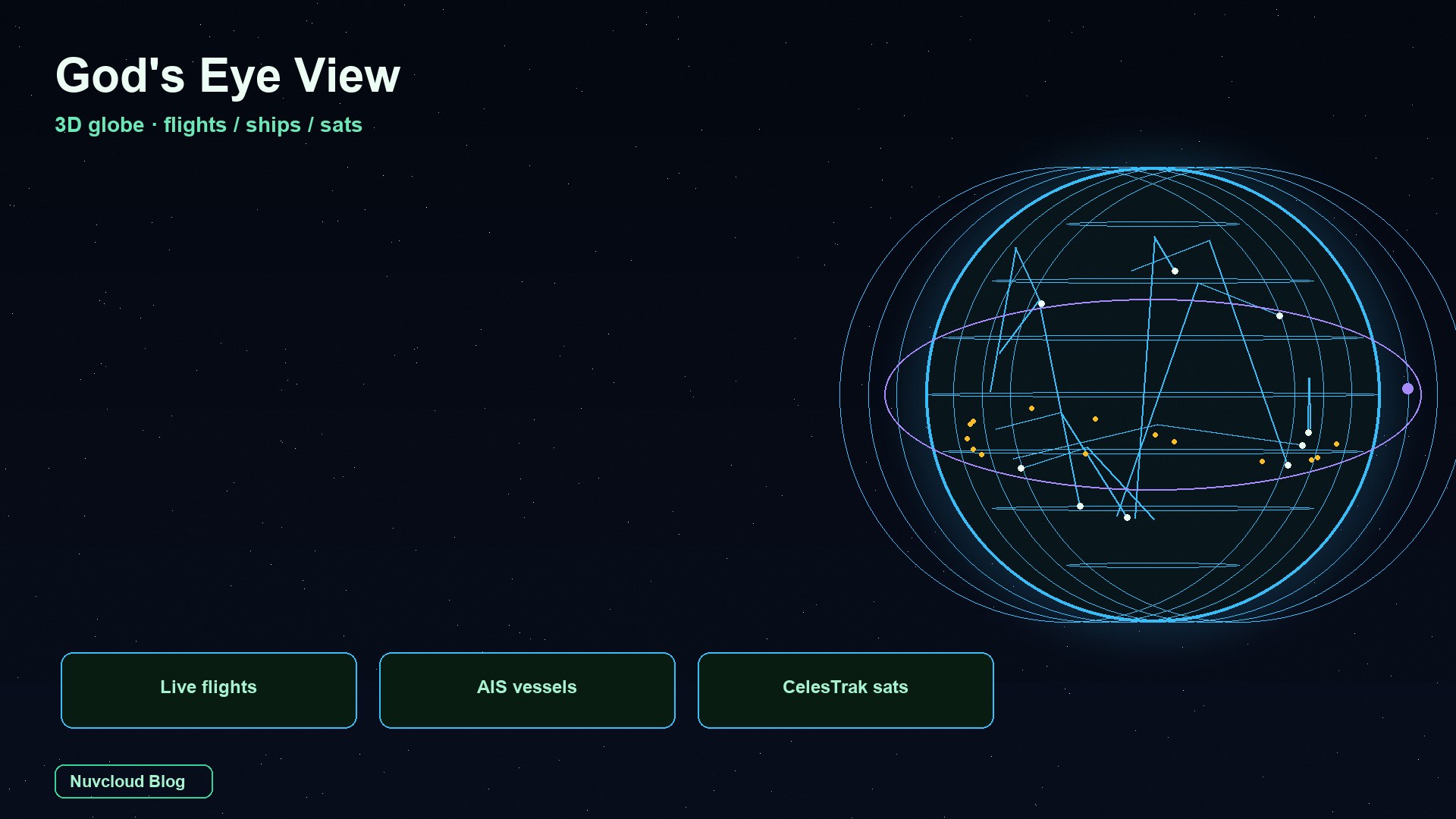
As of 14 September 2026, the GitHub-trending project God's Eye View (bilawalsidhu/gods-eye-view) is not a VFX reel and not a paid intel terminal. It is a photorealistic 3D globe in the browser: public ADS-B flights, AIS vessels, and CelesTrak satellites on one Earth. Feeds are delayed, incomplete, and sometimes explicitly modeled — the README says do not navigate with it. This piece is a hands-on pass: what it is, where the three headline layers come from, a five-minute path, how to run it locally, what keys cost, and what you must not use it for.
What God's Eye View actually is
The repo name is God's Eye View. Bilawal Sidhu shipped the look first as a YouTube series (it used to be called WorldView), then open-sourced the client in August 2026. It spent time at the top of GitHub’s daily and weekly trending lists. One line from the README is enough: a spy-satellite simulator in your browser — except the sources are public and the data is real.
It is not “another flight tracker.” FlightRadar24, MarineTraffic, and CelesTrak each do one job well. If you want the airliner, the harbour under it, the next ISS pass, and a published city camera in the same scene, you normally open four tabs. God's Eye View turns those public signals into a place you can fly into: Google Photorealistic 3D tiles for terrain, CesiumJS as the engine, layer toggles as the mission panel.
The stack is deliberately thin: vanilla JavaScript, CesiumJS, Vite — no React shell. Voice is optional OpenAI Realtime; without that key the globe still runs. The code is MIT; bundled datasets keep their own terms (the submarine-cable pack is CC BY-NC-SA — strip it for commercial use). Source and layer notes live on bilawalsidhu/gods-eye-view.
It is also not an all-source intel desk. Terrestrial AIS goes quiet mid-ocean; satellite AIS costs real money. Keyless traffic is labeled as an approximation. Launch replays are marked RECONSTRUCTED ESTIMATE. The project will not merge person-search, face recognition, or individual tracking. If you want an auditable GEOINT sandbox, it fits. If you want a navigation-grade or operational system, the README refuses you on page one.
Flights, ships, satellites: sources
Search demand for “live aircraft, ships, and satellites on a 3D globe” is really three layers. The repo ships about thirteen; ten of them light up with no signup. The table below is only the map stack plus those three — not a catalogue of every extra.
| Layer | What you see | Source | Auth |
|---|---|---|---|
| Photoreal 3D Earth | Terrain you can drop onto an apron or berth | Google Photorealistic 3D Tiles; Bing / OSM optional | Google key required (metered) |
| Live flights | Thousands of airliners + traces; military ADS-B in amber | OpenSky + adsb.lol | Anonymous works; OAuth buys more polls |
| Live vessels | Global AIS contacts, wakes, tactical cards | AISStream | Free signup key |
| Satellites | ~840 core objects by class; DENSE drops in the Starlink shell | CelesTrak TLEs + SGP4 | No key |
Flights are real transponders. The airliner you click is reporting ADS-B, not a random particle. The client paints one polling interval behind real time so it can interpolate between known fixes; a raw 15–30s jump looks like stutter. Military tracks come from adsb.lol in amber. Select one and it can backfill about 24 hours of trace as stacked 3D loops — the clip that reads “classified” on social, and is just public ADS-B history.
Ships are AIS beacons. Ports and straits are dense; mid-ocean is sparse because that is how terrestrial receivers work, not because the app broke. Without an AISStream key the layer is empty — do not blame the globe. Click a tanker for a card and wake, then NEAREST in the CCTV panel: Austin, Caltrans, and TfL cameras are projected into the 3D city, not a picture-in-picture widget. If a port has no published camera, you get nothing. The app will not invent one.
Satellites use CelesTrak two-line elements and SGP4. Click the ISS and the camera rides to orbital distance; the orbit ring stays locked via GMST, so it does not flicker or drift. The core catalogue is a few hundred objects, colour-coded. DENSE adds the Starlink shell. This is orbit propagation on a photoreal Earth, not a radar. Freshness is only as good as the cached TLE.
Everything else is optional: USGS quakes (24h), NASA FIRMS fires (free MAP_KEY), Launch Library 2 (30-day launches), Radio Browser, GBFS bikes. Traffic without TomTom is an approximate simulation and is labeled that way. Bundled static packs include datacenters, dams, and cables — read DATA_SOURCES.md before you ship the cable layer commercially.
Five minutes: cockpit, port, ISS
Cold start settles in a couple of seconds on a recent laptop (PERFORMANCE.md cites a 1.86s median on an M5/Chrome capture — a baseline, not a hardware requirement). A first-run card offers Live Contacts, Space Missions, or Environmental. If you only care about aircraft, ships, and satellites, ignore the rest of the thirteen layers.
Minute one — light the sky. Turn on Flights or take Live Contacts. Click a contact: lock, trail, telemetry card. Hit COCKPIT and ride the nose down over real Google 3D terrain. Keys 1–7 swap CRT / NVG / FLIR across the whole live planet. This is the moment the name “God's Eye View” stops being marketing — you are not reading a table, you are riding a real aircraft over real ground.
Minute two — a busy airport. Search one you know, drop to taxiway height, enable 3D models. Ground contacts and apron traffic move together. Per-class models (787, ATR-72, Citation, Bell 206, MQ-9) replace glyphs as you close in. If you only ever watch dots from 30,000 feet, you will think this is just another radar site.
Minute three — a port. Enable Vessels over Long Beach, Singapore, or your home harbour. AIS is lively near shore and quiet mid-ocean. No key? Stop here, register at aisstream.io (free, about two minutes), then come back. With CCTV on, NEAREST is only useful where a city actually published a camera.
Minutes four and five — orbit. Satellites on, click the ISS, ride the ring. Then Space Missions: pick a launch from the last 30 days. The ascent is tagged RECONSTRUCTED ESTIMATE and scrubs 0.25×–4×. Do not file that as “I watched a live rocket.” It is public schedule plus orbital geometry.
Voice is extra credit. An OpenAI key unlocks “take me to LAX and select the nearest airborne aircraft” or “how many flights are over Texas.” Without it, the mic says unavailable and the rest of the globe is unchanged. Twenty-eight tools cover camera, annotation, interrogation, and console ops. Long-lived keys never hit the browser.
Run it locally: Node and the Google key
package.json pins Node.js 24.14.x or 26.x. Wrong version, install fails. Copy .env.example to .env and set GOOGLE_MAPS_API_KEY — that is the entry fee. Without it the photoreal planet stays dark; with it, flights and satellites already tell the whole story. Add AISStream when you want ships.
git clone https://github.com/bilawalsidhu/gods-eye-view.git
cd gods-eye-view
cp .env.example .env
# edit .env — at least GOOGLE_MAPS_API_KEY

npm install
npm run dev -- --host localhost --port 4173
# open http://localhost:4173
The dev server binds to localhost so keys stay on your machine. On macOS, ./scripts/dev-fresh.sh clears the Vite cache and can pull keys from the Keychain. Sharing on a LAN means an explicit --host 0.0.0.0 — and anyone who can reach that host is spending your quota. Set provider budget caps first, then GEV_RATELIMIT_*. App throttles are not billing fuses.
For a rough RAM conversation on local Node services, see OpenCode Review on 4GB / 8GB / 16GB. God's Eye View spends WebGL and tile cache, not model weights. An 8GB laptop can tour; 16GB is calmer. The usual bottleneck is the GPU and disk, not “one more DIMM and it becomes a datacenter.”
Tile rules and pricing change: read Map Tiles API, restrict the key, and set a budget alert. Photoreal 3D is billed per session; free caps vary by billing region. Do not copy a three-month-old dollar figure into a runbook.
Why it feels live: lag, SGP4, ground
The globe looks real because of a few boring choices, not a NASA Blue Marble texture.
| Problem | What the client does | What you feel |
|---|---|---|
| Flights / ships update every 15–30s | Render one interval behind wall clock; interpolate; dead-reckon gaps | Smooth motion; you are always slightly late |
| Icons spin when you tilt the camera | Per-frame screen-space course projection | Noses point along true heading |
| Orbit rings drift or flicker | SGP4 + GMST lock the ring to the body | ISS ring rides with the station |
| Aircraft float above the apron | Geoid-aware height sampled on the rendered mesh | Parked traffic sits on the tiles |
| An afternoon burns OpenSky / TomTom | Cached, budget-governed server proxies | You can explore without instant 429s — still not unlimited |
The tree is shallow: main.js boots tiles and layers, data/ is one module per feed, voice/ owns Realtime, iconOrientation.js owns headings. A new city pack or private feed is a copy of an existing layer. The authors call this a hackable learning client, not a hardened ops service. If you hang it 24/7 for a team, you add auth, audit, and quotas yourself. npm run dev is not a production plan.
WebGL plus photoreal tiles will take GPU and RAM before they take CPU. Lid close, integrated GPU fights, fifty Chrome tabs — the frame dies first. If the sandbox must stay awake and the keys must stay out of the office laptop, park it on Apple Silicon that does not sleep. Unified memory and GPU scheduling are the same reasons we talk about M4 for heavy local work in the Mac mini M4 build notes — this globe spends that bandwidth on tiles, not DerivedData.
Keys, cost, and hard limits
The legend never changes: 🟢 no signup, 🟡 free developer key, 🔴 metered. Google Maps is the only required 🔴. OpenAI is voice and the five-word HUD only. AISStream, FIRMS, TomTom, Cesium ion, and OpenSky OAuth are “better with, fine without” for most of the globe.
| Key | What it buys | Without it |
|---|---|---|
| Google Maps (required) | The photoreal planet | The product does not exist |
| AISStream | Global ships | Empty vessel layer |
| OpenAI | Voice director + AI HUD | Globe runs, mic stays dark |
| TomTom | Real street congestion | Traffic labeled simulation |
| FIRMS | 24h fire detections | Empty fire layer |
Costs are order-of-magnitude only. Google 3D tiles bill per session; free caps move by region. OpenAI Realtime bills by model and audio; the app estimates the session, warns near $2, caps near $5 in-app — the provider limit is the real fuse. 🟢 layers — anonymous OpenSky, USGS, CelesTrak, city CCTV, radio — are zero dollars. Reselling this as an “unlimited intel API” breaks several source licenses and will show up on the first Google invoice.
The repo is blunt: do not use it for flight or maritime navigation, emergency response, medical or health decisions, investment decisions, or other safety-critical work. Data can be late, missing, modeled, or wrong. Treat partial / delayed / simulated / unavailable as literal. There is no person query. News checks, teaching, and writing your own layer are in scope. Staring at people, or replacing an official radar, is not — and this write-up will not help you do it.
If Google tiles, OpenSky, or AISStream are blocked on your network, that is an environment problem, not a repo bug. Run the instance where those hosts resolve, restrict keys, and read SECURITY.md before you bind to a LAN.
Keep the 3D globe on a Mac that stays awake
God's Eye View wants three things at once: a Node 24/26 proxy, a browser that can hold WebGL tiles, and API keys that should never live in a public frontend. Close the laptop and polls stop, the tile cache dies, and those keys start sharing a machine with Slack. A Nuvcloud cloud Mac mini is dedicated Apple Silicon bare metal: unified memory for Cesium, SSH that stays up, Keychain hooks the repo already documents, low idle power — a sandbox you can split from the office notebook.
If you want flights, ships, and satellites up 24/7 for a demo or a fork, start with Nuvcloud plans and regions so the globe runs on a Mac that does not sleep, instead of cold-starting after every flight.
Further reading
FAQ
Is God's Eye View official intelligence software?
No. It is an MIT-licensed visualization client on public feeds. A cockpit skin is not a clearance.
Can I watch flights and satellites without a Google key?
Those feeds can run with little or no extra auth, but the photoreal Earth is Google Map Tiles. Without that key the product you saw in the GIFs is not there. OSM does not replace the poster shot.
Why is the ship layer empty?
Live Vessels needs a free AISStream key. After that, near-shore stays dense and mid-ocean stays thin — terrestrial AIS range, not a refresh bug.
Are the aircraft second-accurate?
No. Sources poll every 15–30 seconds and the client lags one interval to interpolate. You get smooth near-real-time, not ATC radar.
Can I use this for navigation or emergency command?
No. The README forbids flight/maritime navigation, emergency response, medical, investment, or other safety-critical use. Data will be wrong, late, or modeled.
Can I search people or faces?
No. The project models events, assets, infrastructure, and systems. Person search, face recognition, and individual tracking are out of scope and PRs that cross that line are rejected.
Will it load on a restricted network?
Only if Google tiles, OpenSky, and AISStream resolve from that machine. The repo does not ship a bypass. Run it where the sources are reachable and cap the keys.
Do I need a new Mac?
No. A recent laptop cold-starts fine. For a 24/7 sandbox that should not fight the office GPU, a dedicated always-on cloud Mac mini is cheaper than buying everyone a new machine.