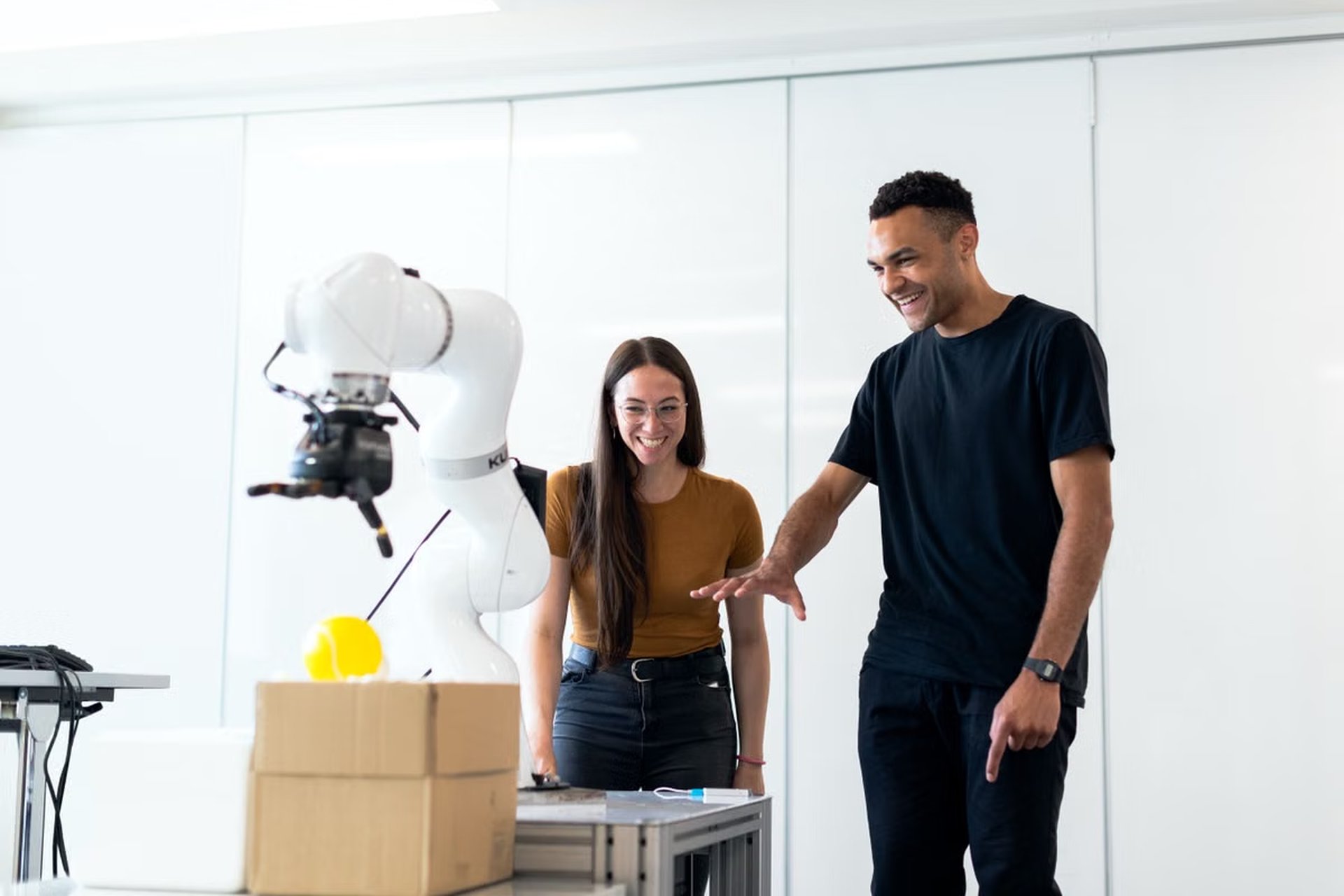
Robot algorithm engineers, simulation engineers, and R&D leads can use this guide to plan a GR00T 1.7 workflow from task definition through real-robot testing. It covers data preparation, post-training, Isaac Lab simulation evaluation, deployment checks, and the limits of what simulation can prove.
The official NVIDIA Isaac GR00T repository identifies the project version as GR00T 1.7. That version label does not confirm support for a particular robot or production setup. For NVIDIA Isaac GR00T 1.7 deployment, follow a traceable sequence: define a bounded task, prepare matching demonstrations, adapt and evaluate the policy, verify the documented deployment path, then test on the real robot under controlled conditions. A successful simulation run is evidence about the simulated setup only; it does not validate real-world safety or performance.
Who this is for: Robot algorithm engineers connecting a trained policy to a task.
Simulation engineers aligning environments, datasets, and evaluation.
R&D leads identifying what must be verified before a real-robot trial.
Last updated October 1, 2026; the workflow references were checked against NVIDIA’s GR00T technical blog and Isaac Lab developer page. Recheck the current documentation before implementation because release status, licensing, interfaces, and supported hardware can change.
Step through deployment in order
Start with a task you can evaluate
Before collecting data or launching training, describe one task in observable terms. Specify the initial scene, the robot’s starting state, the object or target, the expected completion condition, and what counts as a failure. “Pick up an object” is too broad if the object, grasp condition, and permitted recovery behavior are undefined. A testable description might identify the target object and require the robot to place it in a marked area without dropping it.
Keep the first task narrow enough that an engineer can reproduce it. Record the robot embodiment, relevant sensors, available actuators, and environmental assumptions. These details determine whether demonstrations, simulation, and deployment refer to the same problem rather than to three similar-looking versions of it.
How should a team begin a robot task with GR00T 1.7? Start from the intended robot and a measurable task, then check the current repository and documentation for the model, workflow, and hardware prerequisites. Do not assume that an example task transfers unchanged to another embodiment. NVIDIA’s policy getting-started guide is the right place to check the documented policy workflow.
Check release status before committing the schedule. Treat the repository, developer documentation, and current license terms as the authority for what is available. A tutorial, demonstration, or community report does not establish production support for a particular robot.
The team should agree on what “ready to deploy” means before the first experiment. Define the task’s pass and fail conditions, acceptable recovery behavior, operator stop procedure, and who has authority to approve a trial. Without these decisions, simulation scores can look precise while answering a different question from the one the real-robot team needs to resolve.
Prepare demonstrations that match the task and embodiment
Demonstration data only helps when it corresponds to the intended task and the robot’s sensing and action setup. Connect each recording to its task definition. Preserve the information needed to interpret the episode, such as scene conditions, sensor observations, action sequence, embodiment details, and outcome. The exact fields and supported formats must come from the current GR00T data guidance; do not invent a schema based on another project.
The official data preparation guide describes the documented preparation path. Use it to check the supported data structure and conversion requirements before building an internal recording pipeline. Keep a clear record of the original recordings and every transformed dataset, so a later policy result can be traced to its inputs.
Review data quality before training. Look for incomplete episodes, inconsistent task outcomes, mislabeled failures, sensor gaps, and demonstrations that use a different object or scene condition from the evaluation task. A dataset can be large yet still fail to represent the cases that break the policy. When an episode cannot be interpreted or mapped to a known task condition, flag it rather than silently treating it as a good example.
Isaac Lab simulation evaluation will be more useful when the simulated task matches the demonstrations and intended robot setup. That does not require every real-world detail to be reproduced immediately. It does require the team to identify which differences remain, such as friction, sensor noise, contact behavior, or object variation, and to treat them as open validation risks.
Adapt the policy and evaluate it before export
General-purpose policies need task and embodiment context. Follow the documented post-training procedure for the selected task and robot rather than assuming that a pretrained model is already adapted to the target platform. NVIDIA provides a dedicated guide to fine-tuning for a new embodiment. Use the guide to establish the supported path, then record the model version, training configuration, dataset revision, and evaluation setup for each experiment.
That record is essential for reproducibility. If a policy changes after a dataset correction, an updated configuration, or a code change, the team needs to distinguish which change explains the result. Tie experiment outputs to their inputs; do not overwrite a previous model with a new artifact that has the same informal name.
How can GR00T 1.7 policies be evaluated in simulation? Run the policy in a defined task environment and assess it against the success and failure conditions set for the real task. NVIDIA’s Isaac Lab-Arena evaluation example describes an official simulation evaluation approach. Check the tutorial’s environment and evaluation assumptions before applying them to a different robot or task.
Simulation results help compare policy iterations and expose repeatable failure patterns inside the modeled environment. They do not establish that the same behavior will occur with real sensors, physical contact, hardware timing, or an operator in the loop. Report the environment, task conditions, policy revision, and known omissions alongside each result. Do not present an in-simulation success rate as a real-world success rate.
Use a failure taxonomy rather than a single pass/fail label. For example, distinguish perception errors from grasp failures, missed targets, unsafe actions, timeouts, and environment setup issues. Those categories tell the team whether to revisit data, policy adaptation, simulation fidelity, or the deployment interface.
Decide whether the documented deployment path fits
The next choice is whether the available evidence supports moving to a hardware test, or whether the team should stay in simulation or revise the workflow. Use these decision branches:
- If the task, robot embodiment, and data format match the current official workflow, proceed to simulation evaluation and check the documented deployment route. Otherwise, resolve the mismatch before treating a result as relevant to the target robot.
- If the policy passes the team’s defined simulation checks and its failure modes are understood, prepare a controlled hardware trial. Otherwise, return to data, adaptation, or simulation setup.
- If the target runtime, model artifact, interface, and hardware are explicitly covered by current NVIDIA documentation, verify each one in the lab before a trial. Otherwise, treat support as unconfirmed and do not infer compatibility.
- If the robot has verified input and output handling, control timing, emergency stop, and recovery behavior, begin with a low-risk trial. Otherwise, do not enable autonomous operation on the physical system.
Official support boundaries matter. The existence of a deployment guide does not mean every export format, runtime, robot platform, or production environment is supported. Check the current GR00T deployment and inference guide for the documented deployment path. Then check the real-world deployment guide for the real-robot workflow. Confirm specific interface and hardware details there; do not substitute an assumption based on a similar configuration.
Before connecting a policy to a robot, verify the full data path. Confirm that observations arrive in the expected form, actions map to the intended robot commands, timestamps and control timing behave as required by the documented interface, and faults lead to a safe stop. The team must define and test these conditions on its own hardware. Do not fill gaps with guessed frequency targets or assumed fail-safe behavior.
A simulation pass is not a safety approval. Simulation can help screen behavior and compare iterations, but a qualified team must separately validate physical limits, emergency stops, operator procedures, and failure recovery on the target system.
Run controlled trials and close the feedback loop
How should a team move from simulation training to a real humanoid robot? Start with a supervised, low-risk task that can be stopped immediately. Keep the test area controlled, make the operator’s stop action clear, and avoid placing people or valuable equipment in the policy’s path. The first run should answer a limited question, such as whether observations and actions pass through the deployment interface as expected—not whether the robot is ready for unattended operation.
Record the exact policy artifact, data revision, configuration, robot setup, and trial conditions. Capture unsuccessful attempts as carefully as successful ones. For each failure, note what the robot observed, what action it produced, how the hardware responded, and what intervention was needed. Feed that evidence back into the appropriate part of the workflow: data review, policy adaptation, simulation modeling, or interface validation.
Repeat trials only after the team has reviewed previous failures and confirmed that the next test remains within the approved risk boundary. Set explicit release criteria locally. NVIDIA’s general workflow cannot decide what level of evidence is sufficient for a particular robot, task, workplace, or operator procedure.
Is GR00T 1.7 ready for direct production use? The version number or a successful demonstration is not enough to answer that. Production readiness depends on the currently documented license and support scope, target hardware and runtime, task-specific validation, monitoring, safety procedures, and the team’s own acceptance criteria. Verify the current release notes and deployment guidance before making a production claim. If any of those conditions remain unresolved, classify the system as experimental or in controlled testing rather than production.
Compare development environments before assigning workloads
The right environment depends on which part of the workflow is being run. A rented Mac can support some development activities, but it should not be presented as a substitute for a documented NVIDIA GPU environment when the task requires that environment. Separate supporting work from workloads that need a verified target system.
| Workload | A Mac environment may fit when… | Use a verified NVIDIA environment when… |
|---|---|---|
| Task planning and experiment records | The team needs a temporary remote workspace for documentation, code review, or coordination. | The task requires the project’s documented GPU or runtime stack. |
| Data inspection and workflow development | Tools and dependencies have been checked for the chosen Mac setup. | Conversion, training, or evaluation depends on software or hardware not confirmed for that setup. |
| Policy training and simulation | The required stack is explicitly supported and tested in that environment. | The official workflow specifies a different target, or compatibility has not been verified. |
| Hardware deployment and real-robot trials | The Mac is used only for supported ancillary work, with the robot’s deployment host separately validated. | The policy must run on a target runtime or robot interface that requires the documented deployment environment. |
A temporary remote Mac can help when the bottleneck is access to a separate workspace for collaboration or supporting development tasks. It does not remove the need to validate training, simulation, inference, and robot control on the hardware and runtime specified by current official documentation.
For teams comparing options, nuvcloud’s service overview provides context about its offering. If a rented Mac would serve a supporting role rather than execute the GR00T workload, check the relevant US East rental page for the available option. A Mac is not the right choice for a team that needs a persistent, high-load NVIDIA training host or a physical robot connection that the rented environment cannot provide.
Close the loop before calling it deployed
Use this sign-off list before describing a policy as deployed:
- [ ] The task has measurable success and failure conditions.
- [ ] Demonstrations match the intended task and embodiment, and dataset revisions are traceable.
- [ ] Training settings and model artifacts are recorded.
- [ ] Simulation evaluation uses a defined environment, and its limitations are documented.
- [ ] The export, runtime, interfaces, and target hardware match current official documentation.
- [ ] Input and output handling, control timing, stop behavior, and recovery have been checked on the target setup.
- [ ] A supervised real-robot trial has been reviewed, including failures and operator interventions.
- [ ] The team has defined local criteria for the next test or production decision.
If the current setup is a shared development machine or an overloaded local workstation, its practical drawbacks may include competing workloads, environment drift, and limited access for distributed team members. Renting a Mac through nuvcloud can provide a separate temporary workspace for supported coordination and development tasks, without buying another machine for short-term use. It is not a replacement for the NVIDIA compute and deployment path when that path is required. For a team with a suitable supporting workload, separating collaboration from the robot’s validated runtime can make iteration easier to organize while keeping the deployment decision grounded in hardware tests.
Add a Dedicated Remote Mac to Your Robotics Workflow
Use nuvcloud to provision a bare-metal M4 Mac mini for macOS development and Apple Silicon inference tasks.
Connect by SSH or VNC to work from your preferred location without relying on a shared virtual machine.