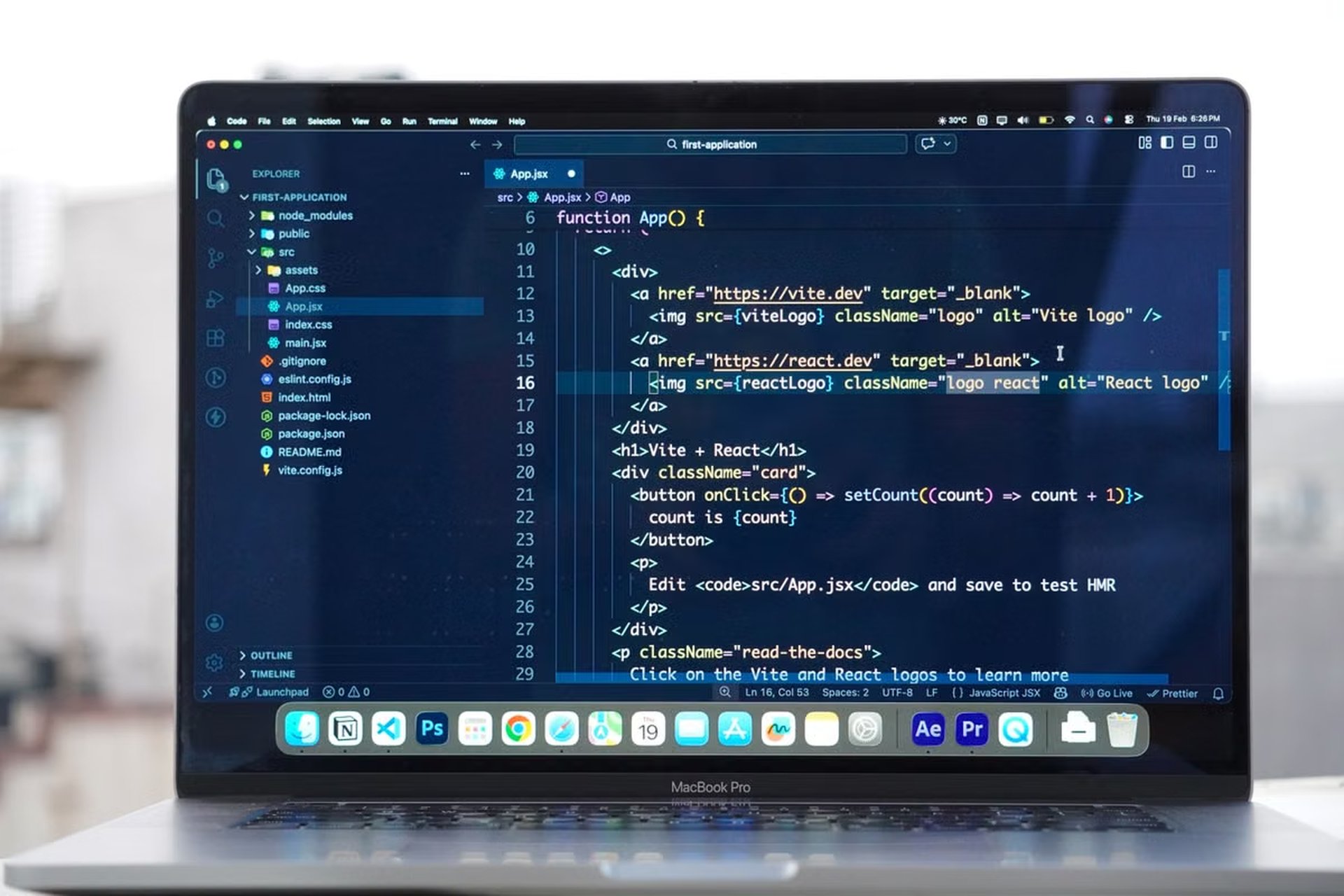
This guide explains how to validate ECC AI Coding as a repeatable development workflow rather than treating installation as proof of readiness. It covers local checks, Claude Code and Codex rule loading, real task validation, Skills, permissions, cloud workspace recovery, and long-term revalidation.
A developer may see ECC installed successfully, yet still find that the wrong rules load, Skills do not trigger, tests are skipped, or a disconnected workspace cannot recover the task.
The fastest solution is to treat ECC AI Coding acceptance as a workflow test: verify rules, planning, testing, context reuse, and permission boundaries before moving long tasks or parallel work to the cloud.
This guide is for:
- Independent developers who want to know whether ECC improves Claude Code or Codex instead of adding configuration noise.
- Small teams that need shared Skills, rules, and code-quality checks.
- Platform administrators who need a reproducible installation, recovery, and rollback standard for cloud AI Coding workspaces.
Acceptance target
ECC AI Coding is ready for regular use only when the workflow produces observable evidence at every important stage. A successful installation is not enough. The official ECC repository and installation documentation should be treated as the source of truth for supported tools, installation steps, and configuration details.
The acceptance target has five parts:
- Rules load correctly. The agent can identify the project rules that apply to the current task.
- Skills trigger correctly. Claude Code and Codex use the intended Skills instead of silently falling back to generic behavior.
- The task follows a controlled loop. The agent plans, edits, runs validation, and reports failures.
- Context remains isolated. Project memory carries across relevant sessions without leaking information from another repository.
- Permissions and recovery are bounded. Files, secrets, network access, branches, and cloud sessions behave as expected.
Each item needs evidence. A statement such as “the agent understood the project” is not sufficient. The evidence should be a visible rule reference, a recorded Skill invocation, a test command and result, a clean context comparison, or a documented permission outcome.
Acceptance rule: If a result cannot be observed, reproduced, or logged, classify it as unverified rather than passing.
Environment baseline
The first checkpoint comes after installation but before any meaningful coding task. The purpose is to confirm that the intended tools and configuration directories are being used.
Tool and version checks
Confirm that:
- Claude Code opens from the expected executable or package source.
- Codex opens from the expected CLI or supported integration.
- ECC files exist in the intended global and project-level locations.
- The active project is the repository selected for testing.
- Environment variables do not redirect the tools to an unrelated configuration directory.
- The installed ECC revision matches the revision approved for the project.
The exact installation and support scope can change, so the ECC repository should be checked again before every formal rollout. Do not use community installation snippets as the final authority when the official documentation provides a newer method.
Configuration precedence
Global rules can be useful for personal conventions, but they can also contaminate unrelated repositories. Project rules should define repository-specific commands, architecture constraints, testing requirements, and review expectations.
Create a small configuration map before testing:
| Layer | What to inspect | Passing evidence | Failure decision |
|---|---|---|---|
| Global tool configuration | User-level rules, memory, environment variables | The tool reports or follows only intended global settings | Remove duplicate or obsolete entries |
| ECC configuration | Skills, agents, commands, and rule files | ECC paths are visible and point to the approved revision | Reinstall or correct the path |
| Project configuration | Repository instructions and local rules | A test prompt produces project-specific guidance | Fix project-level loading before coding |
| Session state | Current working directory and active model | The session points to the intended repository | End the session and restart cleanly |
How can a developer confirm that ECC AI Coding is active after installation?
Run a harmless inspection request inside a test repository. Ask the agent to identify the active project rules, list the relevant Skills, and explain which instruction has priority. Then compare the response with the files on disk. If the answer invents a rule, ignores a visible project instruction, or references another repository, the installation is not accepted.
Duplicate installation risk
A common failure is not a missing file but multiple copies. One copy may be global, another may be installed in the repository, and a third may be loaded by a cloud image. The agent can then appear inconsistent between sessions.
Record:
- The source and revision of each ECC installation.
- The location of each rule and Skill directory.
- The active working directory.
- The environment variables used by Claude Code and Codex.
- Any project-level override.
- The cleanup procedure for removing an obsolete copy.
Do not start a production rollout until the same repository produces the same rule-loading result in a clean shell.
First task loop
The first real acceptance test should be small, reversible, and representative. A task that is too easy will not reveal whether the workflow plans or tests correctly. A task that changes many files will make failure analysis difficult.
Choose a task such as adding validation to one function, correcting a narrow error path, or writing a focused test. Create a clean branch or disposable worktree before starting. Preserve the initial commit so the entire change can be discarded without manual reconstruction.
Planning evidence
Ask Claude Code or Codex to inspect the task and produce a plan before editing. The plan should identify:
- Relevant files.
- The expected behavior.
- The test or verification command.
- The rules and Skills that apply.
- Any uncertainty that requires human confirmation.
The acceptance result is not based on how polished the prose looks. It is based on whether the plan matches the repository and whether the agent waits for approval when the task has unclear scope.
Change evidence
After approval, check whether the agent modifies only the expected files. Review the diff immediately. A passing change should have:
- A clear relationship to the original task.
- No unrelated formatting churn.
- No unexplained dependency changes.
- No secret, credential, or local environment file added to the diff.
- A short explanation of the changed behavior.
If the agent edits outside the planned scope, stop the run and classify the result as failed or requiring manual review. Do not allow later test success to hide uncontrolled changes.
Test evidence
Require the agent to run the appropriate test, lint, type-check, or build command. Record the command and its result in the task log.
A valid failure test is also important. Temporarily introduce a controlled test failure or use a known failing check in the disposable branch. The agent should report the failure, explain its likely cause, and avoid claiming completion. Then restore the branch and confirm that the successful run is separate from the failed run.
The Claude Code context guidance recommends giving the tool explicit project context and instructions. That makes the acceptance test more meaningful because the reviewer can distinguish a rule-loading failure from a vague prompt.
Stop condition: If the agent reports success without showing the relevant test result, the task has not passed. Require a rerun with visible command output or mark the workflow as unverified.
Trial-run evidence
After the first task, move to a short trial period with different task types. The goal is to test whether the workflow remains predictable when the prompt, session, and code change vary.
Use three separate task classes:
- Implementation: Add a focused feature or behavior.
- Refactoring: Change structure without intentionally changing behavior.
- Review: Inspect a prepared change and report defects, test gaps, or rule violations.
The same project background should be used across more than one session. Do not judge context reuse from a single conversation.
Context isolation
Open a new session and ask the agent to summarize the repository constraints without pasting the previous conversation. Compare the result with the project rules. Then open a separate repository and ask a similar question. The second answer must not contain names, architecture assumptions, paths, or instructions from the first project.
Claude Code’s guidance on project rules, memory, and context can be reviewed in the Claude Code power-user documentation. The acceptance question is narrower: does the configured memory help the intended project while remaining isolated from unrelated work?
Skills activation
A Skill should be tested through a task that requires its behavior, not through a directory listing alone. Record:
- The task prompt.
- The expected Skill.
- The observed Skill or instruction reference.
- The files changed.
- The final validation result.
For Codex, compare the installed Skill structure with the official Skills loading guidance. The Codex Skills documentation also explains the structure and trigger model that should inform the test.
How can a team verify that both Claude Code and Codex load the same Skills?
Run equivalent tasks in the same disposable repository, then compare the selected Skill, instructions, tool calls, and output requirements. The tools do not need to produce identical prose, but each must demonstrate that the approved Skill was available and relevant. If one tool silently ignores the Skill, keep that integration out of the production workflow until the configuration difference is explained.
Use this trial record:
| Task type | Required evidence | Pass condition | Escalation |
|---|---|---|---|
| Implementation | Plan, diff, Skill reference, test result | Scope and validation match the task | Inspect rule precedence and prompt assumptions |
| Refactoring | Before-and-after behavior, focused tests, diff review | Structure changes without unexplained behavior changes | Revert and require narrower steps |
| Code review | Findings with file and line references | Findings are reproducible from the repository | Treat unsupported findings as review noise |
| New session | Context summary and active project identity | No unrelated project information appears | Clear memory and rebuild the session |
| Codex comparison | Skill and permission evidence | Approved Skill loads under the intended mode | Check Codex configuration and runtime policy |
Permission and recovery gates
A local test can pass while a shared or cloud workspace remains unsafe. Before moving to a team environment, define the maximum authority each workflow receives.
Check these boundaries:
- Secrets: The agent cannot read or print credentials unless the task explicitly requires a controlled secret.
- File writes: The agent can modify the intended repository but cannot write to unrelated project directories.
- Network access: Network calls are either disabled, allowlisted, or logged according to the project policy.
- Git branches: Each task has a named branch, worktree, or equivalent isolation boundary.
- Concurrent tasks: Parallel agents cannot overwrite the same working directory or silently reuse another agent’s branch.
- Destructive commands: Database deletion, force pushes, mass file removal, and credential changes require explicit approval.
- Logs: Prompts, tool calls, test commands, failures, and recovery actions remain available for review.
Claude Code’s permissions and operating-mode guidance should be used alongside the project’s own policy. For Codex, review the CLI permission modes and the Codex Action security documentation before enabling automated execution.
Branches are not full isolation
A Git branch separates commits, but it does not automatically separate environment variables, filesystem paths, running processes, caches, credentials, or cloud sessions. Two agents on different branches can still modify the same generated file, use the same database, or expose the same secret.
For a cloud workspace, test this recovery sequence:
- Start a task in a disposable branch.
- Record the task identifier, commit, active rules, and current diff.
- Disconnect the workspace during planning or testing.
- Reconnect or recreate the workspace.
- Confirm that the task state and logs are available.
- Inspect the diff before allowing the agent to continue.
- Complete or revert the task manually.
- Verify that no duplicate process or competing session remains active.
Should ECC AI Coding run locally or in a cloud workspace?
Choose local execution for personal projects, short tasks, sensitive code that must remain on a controlled machine, or workflows that depend on physical interfaces. Choose a cloud workspace when tasks are long, require repeatable environments, need scheduled execution, or involve parallel agents. If the team cannot reproduce the image, permissions, logs, and rollback procedure, the cloud workspace is not ready merely because the tools launch.
A managed environment can be useful when the local machine cannot stay online for long tasks. Before selecting a region or workspace, review the relevant nuvcloud cloud Mac options and compare them with the nuvcloud alternative regional workspace. The choice should follow repository, data, latency, and access requirements rather than an assumption that every cloud session is automatically isolated.
Revalidation schedule
Acceptance is not permanent. Re-run the relevant checks after any event that can alter behavior:
- ECC version or installation-source change.
- Claude Code or Codex configuration change.
- Model change.
- New or modified Skill.
- Project rule or memory change.
- Permission-policy change.
- New cloud image or workspace migration.
- Change to Git branching or concurrent-agent policy.
- A failed recovery, unexplained tool call, or cross-project context leak.
Classify each check in the final register:
- Must pass: Rule loading, project identity, expected Skill activation, test reporting, secret boundaries, and recovery.
- Human confirmation allowed: Ambiguous architectural choices, review severity, model selection, and broad refactoring scope.
- Not enabled yet: Network access, destructive commands, autonomous merging, production credentials, or parallel writes that have not completed a recovery test.
The revalidation record should include the ECC revision, tool versions, configuration locations, tested repository, task prompts, expected evidence, observed evidence, reviewer, and rollback result. Avoid claiming a universal success rate or productivity gain unless the figure comes from an authoritative source or a clearly labeled site measurement.
Local-to-cloud decision
Use the following conditions when deciding where the accepted workflow should run:
- If the task is short, reversible, and requires local credentials or physical interfaces, choose local execution.
- If the task must continue while the developer is offline, choose a cloud workspace only after disconnect and recovery pass.
- If multiple agents need to work simultaneously, choose separate worktrees or isolated workspaces; do not rely on branches alone.
- If the project cannot expose logs or permit repeatable environment setup, delay cloud migration.
- If the team needs shared Skills and rules, centralize versioned configuration and test it under both Claude Code and Codex before rollout.
- If a permission boundary fails, return to a local disposable repository or disable the affected capability instead of accepting the exception informally.
Running everything locally can limit uptime, parallel execution, and reproducibility. Running everything in the cloud can introduce credential, network, storage, and recovery risks. The accepted workflow should use the smallest environment that satisfies the task, then expand authority only after each added capability has its own test evidence.
The final comparison is therefore operational rather than promotional. A local setup can become difficult to keep online for long tasks, while an improvised cloud setup may lack durable logs, predictable recovery, or clear filesystem isolation. For temporary AI Coding workspaces, long-running experiments, or a controlled migration from a local ECC AI Coding pilot, renting a Mac through nuvcloud can provide a more manageable execution path than maintaining spare hardware or treating an unverified cloud image as production-ready. The acceptance checklist still applies: the better environment is the one that preserves rules, permissions, logs, and rollback evidence.
Once every must-pass item has evidence, the developer can move from installation to controlled use. Until then, ECC should remain a trial configuration rather than an approved Claude Code or Codex production workflow.
Validate Your AI Coding Workflow on a Remote Mac
Deploy a dedicated Mac mini with nuvcloud and run your Claude Code or Codex workflow in a consistent cloud workspace.
Use remote Mac access to verify rule loading, Skills, permissions, tools, and real project tasks from a clean environment.