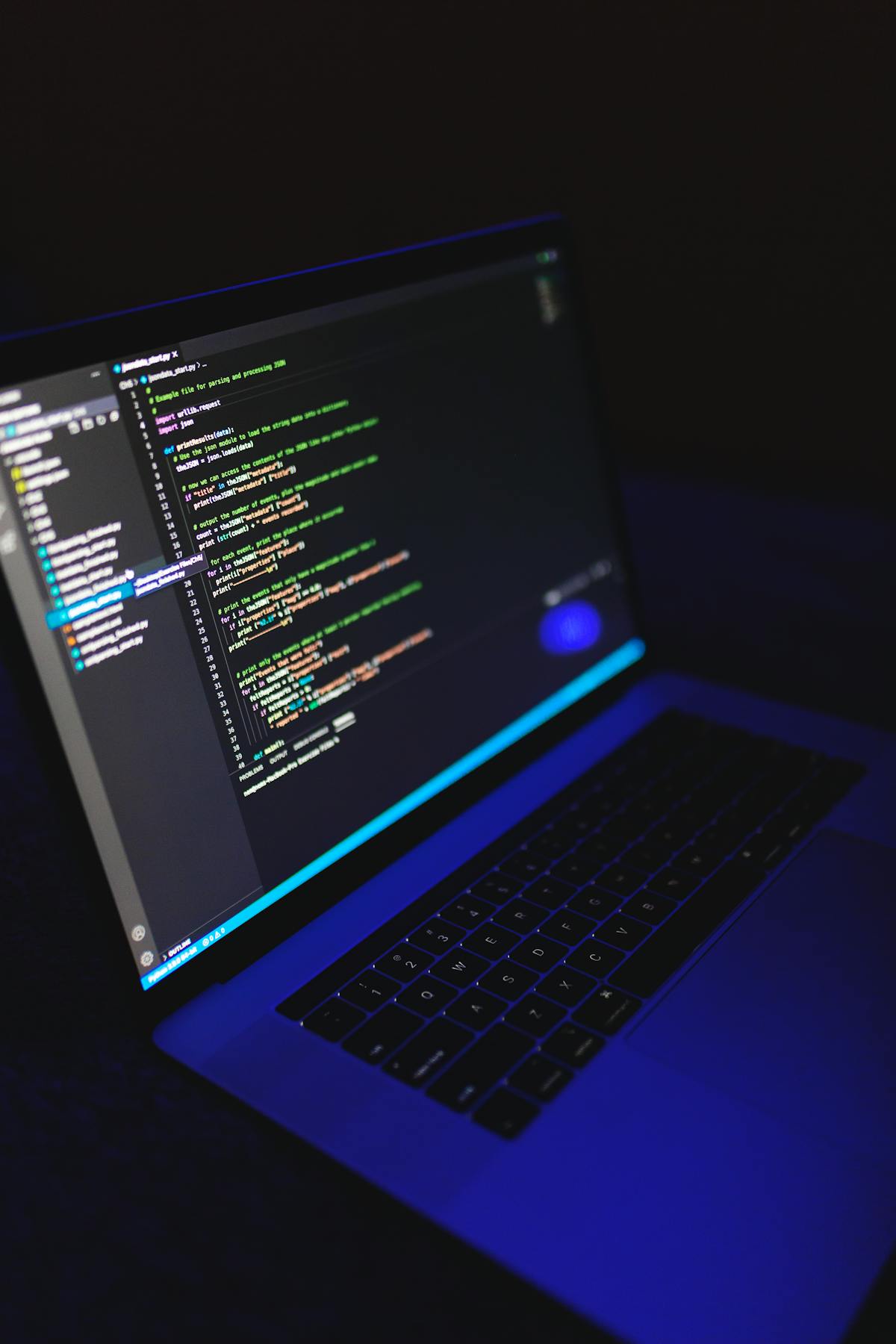
Teams building on Windows or Linux but shipping iOS / macOS pipelines face a familiar fork in 2026: keep paying for GitHub-hosted macOS runners (per-minute billing, ephemeral environments), or register a self-hosted runner on a dedicated remote Mac mini (persistent disk, predictable monthly rent). This article is about the second path—GitHub Actions self-hosted macOS runners—not OpenClaw or long-lived agent ops. We walk through hosted vs self-hosted economics, six region choices, M4 memory and parallel seats, DerivedData and disk planning, label-based sharding, registration HowTo, daily–monthly TCO, and FAQ. Compare plans on the pricing page and Runner/SSH notes in the help center. If you also run automation agents, see our OpenClaw remote Mac field guide—but the narrative here stays CI/CD-first.
1) Hosted macOS runners vs remote Mac self-hosted: minutes, queues, and when bare metal wins
GitHub bills macOS hosted runners per Actions minute; rates and included free tiers are defined in GitHub’s billing documentation (hosted runner pricing changed in 2026—verify current per-minute rates before you budget). Hosted runners excel at zero ops: every job starts on a clean image, which is fine for occasional PR builds or rare archives. The trade-offs are equally clear: DerivedData and SwiftPM caches rarely survive across jobs, queues can spike at peak hours, and minute-based bills swing with release cadence.
On a dedicated M4 Mac mini at Nuvcloud (or similar bare-metal Mac cloud), a self-hosted runner buys a fixed seat plus persistent SSD: one actions-runner process supervised by launchd, with ~/Library/Developer/Xcode/DerivedData reused across PRs. Incremental builds are often faster than cold hosted jobs (exact delta depends on repo size—treat numbers below as templates, not SLAs).
| Path | Better when | Main cost |
|---|---|---|
| GitHub-hosted macOS | < a few hundred macOS minutes/month, no cache requirement, no appetite for machine care. | Per-minute spend + queue time; DerivedData does not stick. |
| Remote Mac self-hosted | Daily main builds, multiple schemes, fast Archive/TestFlight paths. | Runner upgrades, disk hygiene, signing mutex; rent is predictable. |
| Office Mac mini | Single site, no multi-region need, you accept power and exposure risk. | CapEx + power + headcount; scaling means buying more boxes. |
12-month TCO template (example assumptions—plug your own numbers): let hosted macOS cost P per minute and monthly usage M minutes; annual hosted ≈ 12 × M × P. Let remote rent be R per month (machine + bandwidth); annual rent ≈ 12 × R. When M × P stays above R and you need warm DerivedData, self-hosted usually wins; when M is tiny and spiky, stay hosted or rent daily to validate workflows before committing monthly.
A practical middle path many mobile teams use in 2026: keep lint and unit tests on Linux hosted runners (cheap minutes) and route only xcodebuild, Archive, and notarization to a single self-hosted Mac. That minimizes macOS minute burn while still capturing cache wins where they matter. Document the split in your workflow README so new engineers do not accidentally move heavy compile jobs back to hosted macOS during refactors.
2) Singapore, Japan, Korea, Hong Kong, US East, US West: place runners near Git, registry, and artifacts
Nuvcloud offers Singapore, Japan, Korea, Hong Kong in Asia-Pacific and US East / US West in North America (confirm SKUs in the checkout wizard). Do not ask “which is closest to my apartment”; ask where Git remotes, container registries, TestFlight/signing services, and on-call time zones concentrate. Region-specific checkout: Singapore, Japan, Korea, Hong Kong, US East, US West.
Benchmark each finalist with the same script: git clone --depth=1, pull a ~1 GB artifact, and compare cold vs warm xcodebuild -showBuildSettings. SSH RTT for admins is a comfort metric—it does not dominate CI wall time.
If your organization uses a corporate proxy or split-tunnel VPN, run benchmarks from the runner host, not from a developer laptop on guest Wi‑Fi. Egress policy on the Mac (allowed registries, Apple endpoints, GitHub API) is part of region selection: a “fast” geography on paper is useless if outbound HTTPS to your artifact bucket is throttled. Record baseline numbers in a shared spreadsheet so the next hardware refresh reuses the same methodology instead of re‑debating ping tests.
| Region | Typical fit | Team note |
|---|---|---|
| Singapore | SEA user builds, GitHub APAC mirrors, SG/MY-heavy teams. | Choose vs Hong Kong based on where the primary repo lives. |
| Japan | JP entity compliance, Tokyo-adjacent collaborators, JP night releases. | Good for “APAC dev + Japan QA” split shifts. |
| Korea | KR market apps, local CDN origins, Seoul on-call SSH. | Decide on data-plane placement, not ping alone. |
| Hong Kong | Greater China / HK mixed teams, South China–hosted Git. | Mainland offices often get better SSH feel than US West. |
| US East | GitHub-default US East paths, East Coast SaaS, npm/Actions cache bias East. | Optimize artifact routes, not map distance. |
| US West | West Coast collaboration, West-hosted mirrors, US Pacific night builds. | APAC SSH may be slower; dependency pulls can still be faster. |
3) M4 16GB/256GB vs 24GB/512GB and M4 Pro: concurrent runner seats and simulator limits
On Apple Silicon, one physical actions-runner process maps to a runs-on: self-hosted target; how many jobs you can overlap depends on runner concurrency settings and Xcode/Simulator RAM peaks. M4 16GB suits one heavy compile or two light jobs; 24GB suits one Archive plus one single-simulator UI test; M4 Pro tiers are for multi-simulator matrices or very large monorepos.
| Config | Suggested concurrent jobs (rules of thumb) | OOM / stall signals |
|---|---|---|
| M4 16GB / 256GB | 1× full xcodebuild, or 2× lint/unit-only jobs. |
Frequent memory_pressure Yellow; Simulator fails to boot. |
| M4 24GB / 512GB | 1× Archive + 1× UI test, or 2× medium compiles with separate DerivedData roots. | Parallel UI tests spike WindowServer; swap hurts tail latency. |
| M4 Pro (higher tier) | Multi-OS simulator matrix; two Xcode minor versions installed. | Disk IOPS cap before CPU on huge DerivedData trees. |
In workflows, prefer runs-on: [self-hosted, macOS, compile] vs runs-on: [self-hosted, macOS, ui-test] over cranking runner concurrency on one box.
GitHub’s runner application exposes a concurrency setting per machine; setting it to 2 on a 16GB host is a common way to invite OOM during overlapping Simulator launches. Treat concurrency as a capacity plan, not a default: start at 1 for Archive pipelines, measure peak resident memory during your largest scheme, then increase only when memory_pressure stays Normal for a full release week. M4 Pro tiers matter when you must keep two Xcode minor versions online for App Store compliance windows—budget disk before you budget extra CPU cores.
4) 1TB/2TB upgrades and DerivedData: parallel worktrees, retention, and drain rules
Hosted jobs usually start clean—DerivedData cannot accumulate. Self-hosted runners win when ~/Library/Developer/Xcode/DerivedData survives across PRs. For parallel jobs, never share one DerivedData directory—set per-job DERIVED_DATA_PATH (or -derivedDataPath) and use Git worktrees when needed.
- Keep on disk: DerivedData, SwiftPM cache, CocoaPods trees when versions are pinned.
- Better in Actions cache: reproducible toolchain zips, lint caches, large downloadable deps.
- Alerts: below 20% free space, LRU-trim oldest 30% of DerivedData; below 10%, drain the runner (no new jobs).
| Disk | Typical CI use | Upgrade when |
|---|---|---|
| 256GB–512GB baseline | One Xcode + one repo DerivedData; prune Archives regularly. | Single-repo DerivedData >40 GB or two Xcode versions required. |
| 1TB | 2–3 active branch caches + simulator runtimes; two parallel worktrees. | Monorepo nightly full matrix across schemes. |
| 2TB | Multiple Xcode minors, symbol archives, large SPM binary caches. | You refuse to rm -rf DerivedData between every job. |
5) Parallel capacity: multi-Mac labels, shards, and the daily → monthly upgrade path
When one machine hits the memory ceiling, add second remote Macs and shard by label:
mac-ci-compile—xcodebuild buildonly; keep DerivedData warm.mac-ci-archive— signing and upload; use workflowconcurrencyso two jobs never fight the keychain.mac-ci-ui— simulator tests on the 24GB or Pro box.
Path: daily rent to prove workflows → weekly to harden cache policy → monthly for stable IP and runner identity → add machines for shard. GitHub actions/cache can still share reproducible blobs; DerivedData stays local per host.
When sharding, align workflow matrix dimensions with labels instead of overloading one runner with incompatible jobs. Example: a nightly matrix across iOS 17 and 18 simulators belongs on a Pro host with mac-ci-ui, while per-PR compile checks stay on a 16GB compile-only seat. Document which secrets exist on which label so pull requests from forks do not stall waiting for signing credentials that only exist on the archive machine.
6) HowTo: register a self-hosted runner on the remote Mac
Follow GitHub’s guide: add a self-hosted runner (UI tokens may change by version). On your Nuvcloud host:
- SSH in; install Xcode CLT / target Xcode; accept licenses.
- Create a dedicated Unix user or
actions-runnerdirectory—do not sign production IPAs with a personal Apple ID on that account. - From repo Settings → Actions → Runners, run
config.sh; add labels likemacos,m4, region code. - Install as a service (
svc.sh installvialaunchd) so jobs survive SSH disconnects. - In workflows, set
DERIVED_DATA_PATH; addconcurrency: { group: codesign, cancel-in-progress: false }on signing jobs.
env:
  DERIVED_DATA_PATH: ${{ github.workspace }}/DerivedData/${{ github.run_id }}
  RUNNER_TOOL_CACHE: /Users/runner/actions-toolcache

xcodebuild \
  -scheme "YourApp" \
  -derivedDataPath "$DERIVED_DATA_PATH" \
  build
7) Daily, weekly, and monthly TCO—and when to resize
Separate “experiment” spend from “production runner” spend:
| Term | Best for | CI cautions |
|---|---|---|
| Daily | Six-region A/B, prove DerivedData speedup, trial runner registration. | Export signing notes and cache inventory before teardown; no prod secrets on short-lived hosts. |
| Weekly | Release crunch, migrating workflows off hosted macOS, load-test before a second machine. | Freeze Xcode patch level; log minute savings vs hosted. |
| Monthly | Daily main builds, fixed runner name, IP allow-lists, stable cache policy. | Plan upgrades: 16GB→24GB, disk add-on, second label shard. |
36-month rough compare (example): owned Mac mini + power + ops labor = C_cap; cloud rent = 36 × R. Teams without dedicated Mac admins often undercount C_cap. When comparing hosted minutes, fold queue delay as opportunity cost, not just sticker price.
Match SKU and term on the pricing page; renew and resize in the dashboard. More notes in the blog index.
8) FAQ
Q1: Is self-hosting allowed under GitHub’s terms?
Yes on hardware you own or rent; do not resell runner capacity to unrelated third parties (see GitHub Terms).
Q2: Can we mix hosted and self-hosted macOS?
Yes—e.g. PRs on hosted, main on self-hosted. Branch workflows when secrets/signing exist only on your Mac.
Q3: When should we wipe DerivedData?
After Xcode upgrades, major branch cuts, or when disk <20% free—use LRU, not rm -rf while jobs run.
Q4: Does SSH disconnect stop the job?
No—jobs run under the runner service. Use launchd; SSH is for you, not for the worker process.
Q5: What happens to cache when we move regions?
DerivedData is path-local; region moves need re-warm. Use Actions cache for SPM/tooling, then one full compile to rebuild local DerivedData.
Q6: How many simulators on 16GB?
Avoid multiple heavy UI tests on 16GB—route them to a mac-ci-ui runner.
Q7: Why serialize signing jobs?
Parallel keychain unlock and duplicate Archives can lock certificates or overwrite IPAs—use concurrency on the signing stage.
Q8: How do we decommission a daily host safely?
Remove the runner in GitHub, rotate registration tokens/PATs, and clear keychain/~/.ssh scratch keys after confirming nothing else depends on them.
On a cloud Mac mini, CI stays warm and bills stay predictable
Self-hosted GitHub Actions macOS runners are about persistent DerivedData, predictable monthly rent, and multi-region dedicated capacity you control. Nuvcloud bare-metal M4 Mac mini hosts give you native Unix tooling, Gatekeeper/SIP/FileVault baselines, and a power envelope suited to unattended builds—from daily region trials to monthly runner fleets, with 24GB RAM, larger SSDs, or a second machine for label sharding when pipelines grow.
If you are moving off volatile hosted macOS minutes, Nuvcloud cloud Mac mini M4 is a strong starting point—explore plans and regions so node, memory, and cache strategy are chosen once, not reworked every release.